Physical Address
304 North Cardinal St.
Dorchester Center, MA 02124
Physical Address
304 North Cardinal St.
Dorchester Center, MA 02124

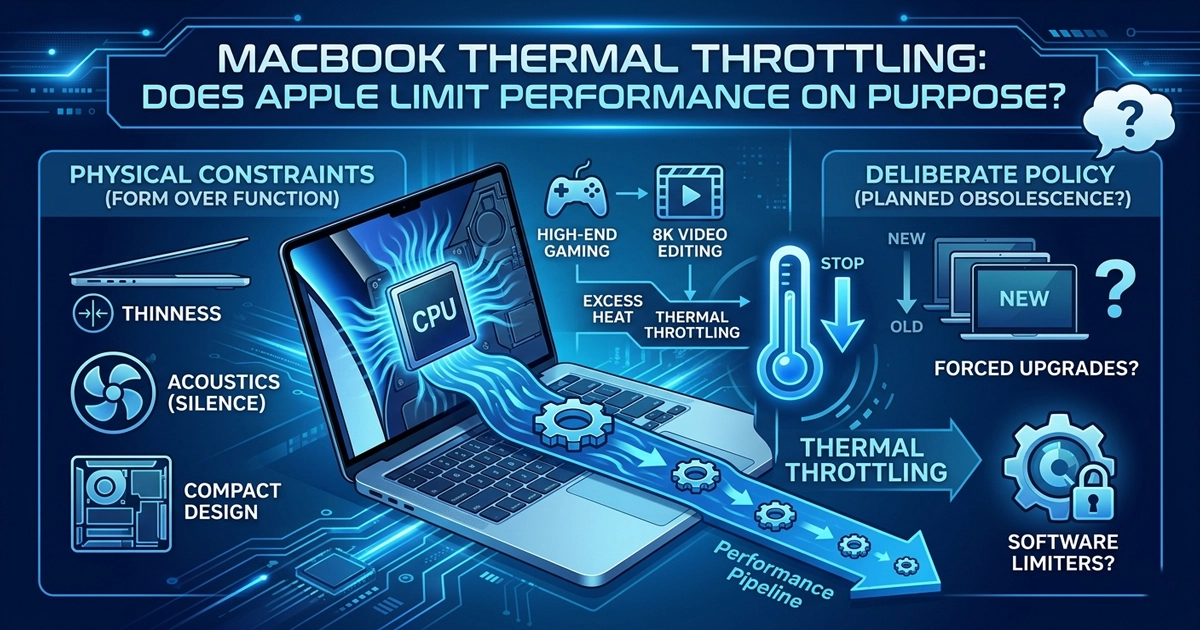
Discover how MacBook thermal throttling affects performance and whether Apple limits power due to cooling. Learn the truth about MacBook Air vs Pro performance.
MacBook thermal throttling is one of the most discussed issues among Apple users today. In recent years, Apple laptops have built a strong reputation for delivering powerful performance in ultra-thin and silent designs. However, this has sparked an ongoing debate:
Is Apple intentionally limiting performance because of cooling?
If you’ve ever noticed your laptop slowing down during heavy tasks like video editing or gaming, you may have already experienced thermal throttling.
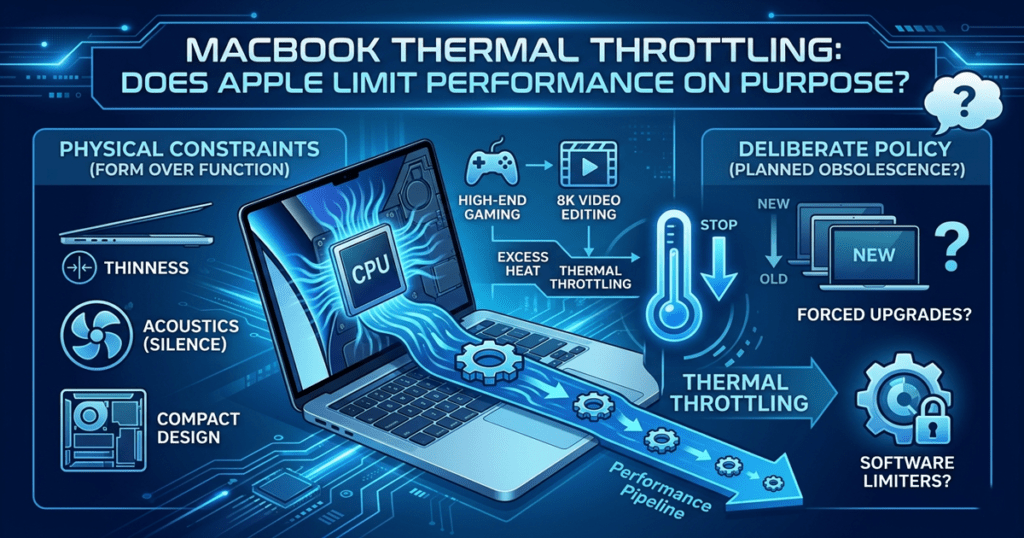
When a processor runs at high speeds, it generates heat. If that heat is not properly dissipated, the system automatically reduces the processor’s speed to prevent damage. This process is called:
Thermal Throttling
In simple terms:
This is not a flaw—it’s a built-in safety mechanism found in all modern computers. Why Do Some MacBooks Use Fanless Cooling?
Apple is known for prioritizing:
To achieve this, some models—like the MacBook Air—use passive (fanless) cooling systems instead of traditional fans.
Modern smartphones and chips face similar performance challenges, as seen in Samsung’s latest performance and pricing strategy
Instead of actively pushing heat out, these devices rely on materials like aluminum and internal heat spreaders to dissipate heat naturally.
Thermal throttling is a common mechanism in modern devices to prevent overheating and hardware damage, as explained by Intel.
Apple’s custom silicon, such as the M-series chips, are incredibly efficient and powerful. Even entry-level devices can handle tasks like:
However, there’s a catch.
Because of thermal limits, these chips often cannot maintain peak performance for long periods—especially in fanless devices.
This creates what many users call “hidden performance”—power that exists but isn’t fully utilized due to heat constraints.
Apple’s silicon efficiency has been widely recognized in performance benchmarks by Geekbench.

For everyday users, thermal limitations are rarely noticeable.
However, performance drops become obvious during demanding tasks such as:
In these scenarios, the system heats up quickly, and thermal throttling kicks in—reducing performance to maintain safe temperatures.
If you’re interested in optimizing performance and using modern tools, check out our guide on best AI tools for productivity
Yes—cooling plays a major role in performance.
Tech enthusiasts have experimented with:
In many cases, improving heat dissipation leads to noticeable performance gains—sometimes up to 10–20% in sustained workloads.
However, it’s important to note:
This is where things get interesting.
Not exactly—but it’s a deliberate design choice.
Apple engineers design each device based on a balance between:
Rather than maximizing raw power at all costs, Apple prioritizes user experience.
This means:
So while performance is technically “limited,” it’s not artificial—it’s a trade-off.
The difference between these two lines highlights the role of cooling.
In many cases, both devices use similar chips—but cooling determines how much of that power you actually get.
For official specifications and design philosophy, visit the Apple website.
As processors become more efficient, the importance of cooling is evolving.
We are already seeing:
In the future, we may see hybrid solutions that combine silent operation with better sustained performance.
So, does Apple limit performance because of cooling?
Yes—but not in a negative way.
It’s a conscious decision to balance power, silence, and design.
For most users, this trade-off is perfectly acceptable. But if you need consistent high performance, choosing a device with active cooling is essential.
In the end, MacBook thermal throttling isn’t necessarily a flaw—it’s a result of Apple’s design philosophy focused on balance. By prioritizing silence, portability, and efficiency, Apple creates devices that perform exceptionally well for everyday tasks.
For most users, this trade-off is perfectly acceptable. However, if you rely on sustained high performance for demanding workloads, understanding how MacBook thermal throttling works can help you choose the right device.
Ultimately, performance isn’t just about raw power—it’s about how well your laptop manages heat over time.
Finally, if you’re looking for more tech recommendations, check out top apps you should download in 2026